
AI Answering Service for FieldEdge
Every Missed Call
Is a Missed Job.
NOT ANYMORE.
Free2Grow connects to FieldEdge as a native Marketplace app. It answers every inbound call 24/7, recognizes returning customers by looking up their number in FieldEdge, collects the service address, problem and preferred time, and creates a lead in FieldEdge with those details filled in for your CSRs to confirm. When your office converts the lead to a job or quote, Free2Grow sees the update.


What Happens on Every Call.
Free2Grow handles the call. Your team keeps control of the FieldEdge dispatch board.
- Answers right away. No voicemail and no missed calls when the office is busy or closed.
- Recognizes returning customers. Looks up the caller's number in FieldEdge.
- Collects the details. Name, service address, the problem, and the preferred day and time.
- Follows your rules. Hours, service area, job types, and when to hand off to a person.
- Creates a lead in FieldEdge. The details are filled in, ready for your team to confirm.
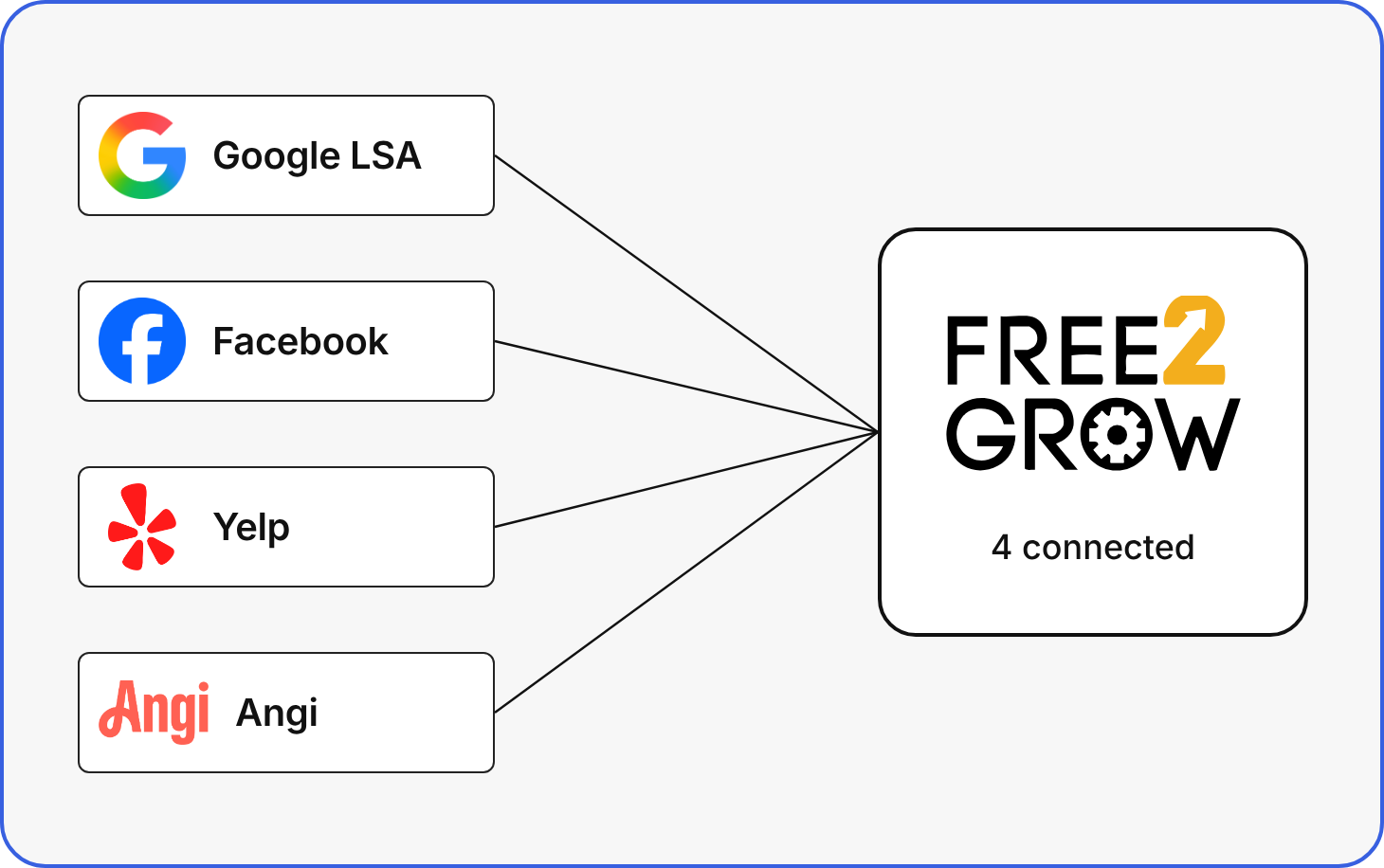
Every New Lead, Followed Up.
Speed2Lead answers new leads from Google LSA, Angi, Yelp and Facebook and keeps following up by call and text. Leads aren't added to FieldEdge when they arrive; a FieldEdge lead is created when a customer agrees to a visit.
- Responds within seconds. Every new lead gets a call or text right away.
- Keeps following up. Call and text sequences run until the customer books, declines or replies, or your team stops them.
- Books into FieldEdge. When a customer agrees to a visit, Free2Grow creates a lead in FieldEdge for your office to convert to a job.
- Flags what needs your office. If a booking doesn't go through, the lead is flagged for your office so your team can confirm the visit.
- Tracked in Revenue Recovery. Every Speed2Lead lead and its follow-up is in your Free2Grow dashboard.
Smarter Every Day — Powered by Data.
Our AI system continuously learns and improves based on real-world interactions.


Learns from top clients
Our AI models are trained on data from the most successful service businesses.
Coach it like a CSR
Review call recordings and train the AI on how it should have handled a call, the same way you'd coach a new CSR.
Test scripts, optimize flows
Continuously test and refine AI conversation paths for maximum effectiveness.
Optimizing automatically
Self-optimizing system that consistently gets better with every interaction.
Recognizes Returning Customers.
Follows Your Rules.

Every Conversation, Smarter. Every Job, Handled.

Return Customer Detection
Looks up each caller's number in FieldEdge to recognize returning customers. If one number matches several customers, it keeps their details private and flags the possible duplicate.

Native FieldEdge Marketplace App
Self-serve setup: install Free2Grow from the FieldEdge Marketplace, then confirm the link in your Free2Grow dashboard.

See Every Result
A dashboard of every call with its outcome (Lead or No Lead) and a summary, reports on call volume and lead rate, and call summaries by email and text.

Instant Lead Response
Speed2Lead responds to new leads from Google LSA, Angi, Yelp and Facebook within seconds, then follows up automatically with calls and texts.
Want to see how your CUSTOMERS
will interact with AI Voice?

Real Companies. Real Results.
Our AI system continuously learns and improves based on real-world interactions.
Mr. Electric
Saved 22%of jobs that customers initially tried to cancel — by using AI to suggest alternative scheduling automatically.
Blanton’s
Increased return customer recognition by 31%leading to higher close rates and more upsell opportunities through personalized scripting.
View More Case Studies
What Syncs With FieldEdge.
FieldEdge doesn't share live schedule availability with outside tools, so Free2Grow offers times from the hours you set, and every request arrives as a lead your CSRs confirm.

From FieldEdge
- The customer record, matched by the caller's phone number
- Lead status: when your office converts a lead to a job or quote, Free2Grow sees it
To FieldEdge
- A new lead with name, service address, the problem, and the preferred day and time
- A possible-duplicate flag when one number matches several customers, with details kept private
- Optional after-hours emergency leads with a fixed time your team knows to confirm
Your Office Handles
- Confirming the appointment on your dispatch board
- Cancellations and reschedules, which come to your office to call back
- Follow-up on calls that didn't become a lead, surfaced in Revenue Recovery
When It’s Urgent, We Act Instantly.
Complex jobs, VIP customers, after-hours emergencies — our AI knows when it’s time to stop being polite and escalate now.
- Instantly email or call techs on high-priority flags
- Set escalation rules for emergencies, keywords and VIP callers
- Never lose a critical call again.

FieldEdge Integration FAQs
Does Free2Grow book jobs directly onto my FieldEdge dispatch board?
No. FieldEdge doesn't share live schedule availability with outside tools, so Free2Grow offers times from the hours you set and creates a lead in FieldEdge with the details filled in. Your CSRs confirm it and convert it to a job.
How do I connect Free2Grow to FieldEdge?
Install Free2Grow from the FieldEdge Marketplace, then confirm the connection in your Free2Grow dashboard. Setup is self-serve.
Will Free2Grow recognize my existing FieldEdge customers?
Yes. Free2Grow looks up each caller's phone number in FieldEdge to recognize returning customers. If one number matches several customers, it keeps their details private and flags the possible duplicate.
What happens with after-hours emergency calls?
You can turn on after-hours emergency leads, which arrive with a fixed time your team knows to confirm. You can also set escalation rules so high-priority calls alert your on-call technician by phone or email.
Can Free2Grow respond to leads from Angi, Yelp and Google LSA?
Yes. Speed2Lead calls and texts new leads from Google LSA, Angi, Yelp and Facebook within seconds and keeps following up. Leads aren't added to FieldEdge when they arrive; a FieldEdge lead is created when the customer agrees to a visit.
How much does Free2Grow cost, and how long does setup take?
Pricing is a flat rate based on your number of service technicians, with no per-minute charges or overage fees. Onboarding takes 7 to 10 business days, with a dedicated specialist, test calls and monthly check-ins.